Pair programming
Work in shared files and use teammate cursors to follow where the other person is editing.
Real-time coding · Spatial context
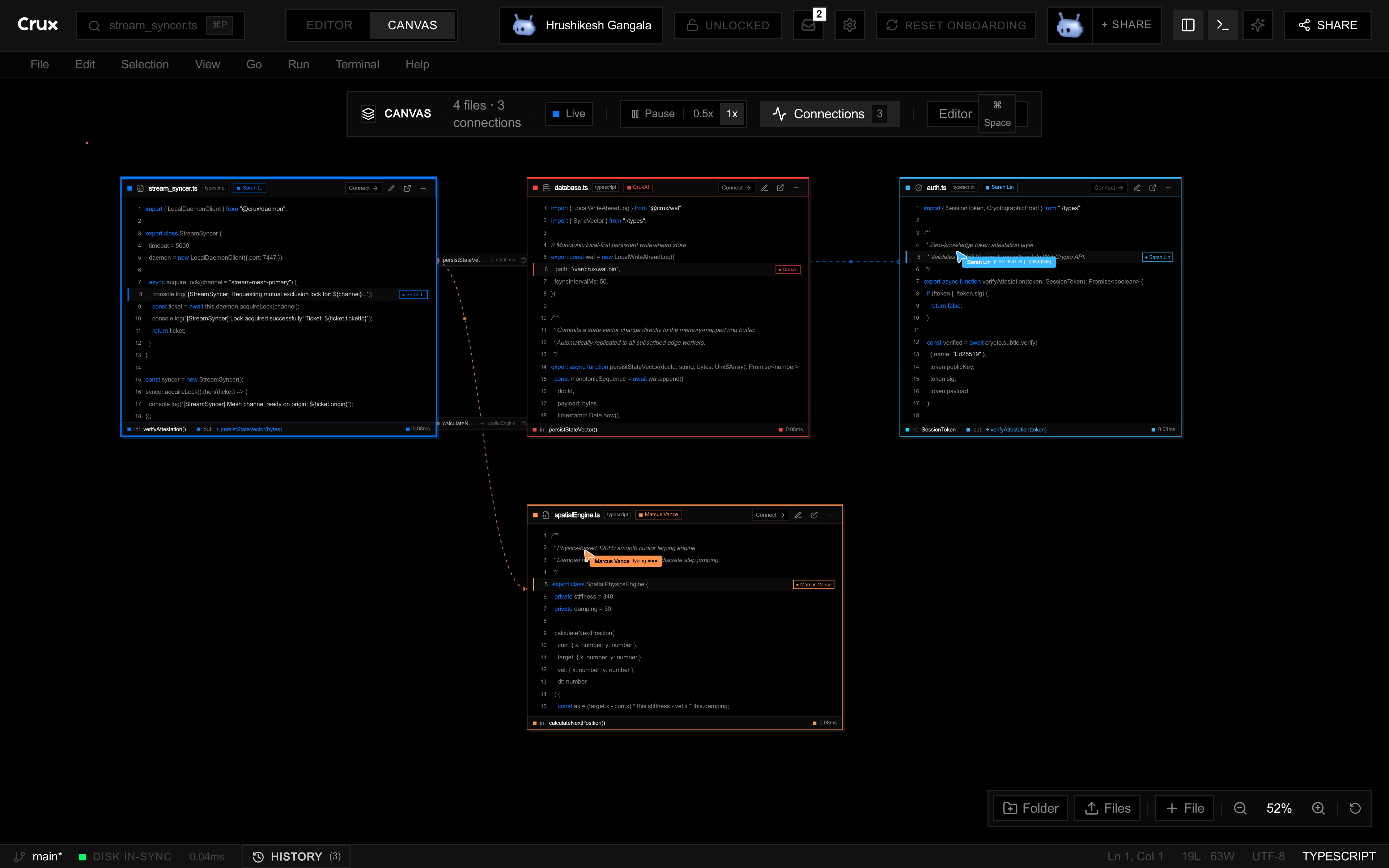
Crux lets teammates edit code together, keep related files on a spatial canvas, and work with coding agents in the same workspace. Use Editor view to focus on a file or Canvas to follow a change across several files, with your terminal and task context nearby.
01 / SEE THE FILES
Open several files and zoom out to see them together. The canvas helps you keep related code visible while you work through a change.
02 / EDIT TOGETHER
Changes to shared text appear in the workspace, with teammate cursor presence to make a live session easier to follow.
03 / KEEP WORKING
Run commands and inspect output alongside the editor so the code and your tools stay in the same flow.
Work in shared files and use teammate cursors to follow where the other person is editing.
Place relevant files on the canvas so a teammate can see how one part of the project relates to another.
Keep the file you are inspecting and the terminal output close to the rest of the task context.
Planning to code with a teammate? Follow the online pair programming guide to start a shared session and choose the right access link.
Choose Claude Code, Codex, or a local model through Ollama. Give the agent a specific task and relevant files, inspect its proposed changes, and run the appropriate checks before accepting the result. Sharing an editor does not remove the need to review generated code.
Project instructions, skills, agents, and commands live in the project's .agents folder. Crux adapts those resources for the selected runtime so teammates can reuse a workflow. Model availability depends on your installed tools and provider credentials; the desktop terminal runs commands on your machine.
Crux is in early access, and browser IDE access requires an approved account. Watch the public demo and read the workspace guide to decide whether the shared view fits your next pairing session or code review. If you are weighing alternatives, our code editor comparison covers Cursor, VS Code Live Share, and Zed with links to their official product information.